Find the mouse sensitivity you actually aim best with.
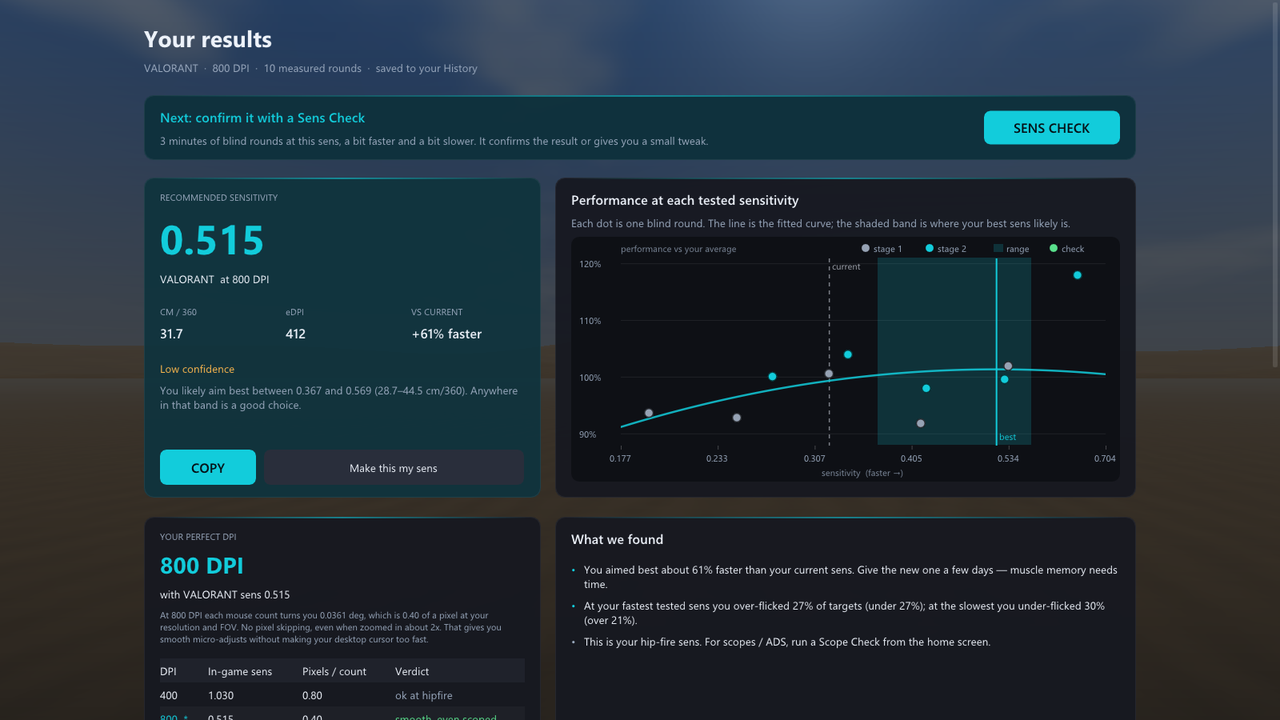
Short blind rounds of flicking and tracking, each at a hidden sensitivity. SensLab measures how you do and gives you the exact number for every game.
Most sens advice is someone else's opinion. SensLab measures your own aim, at sensitivities you can't see, so the result is about you.
About 7 minutes of blind rounds. You get your best sens, how sure it is, and your best DPI.
Three minutes that confirm your result blind, or tell you the small tweak that's better.
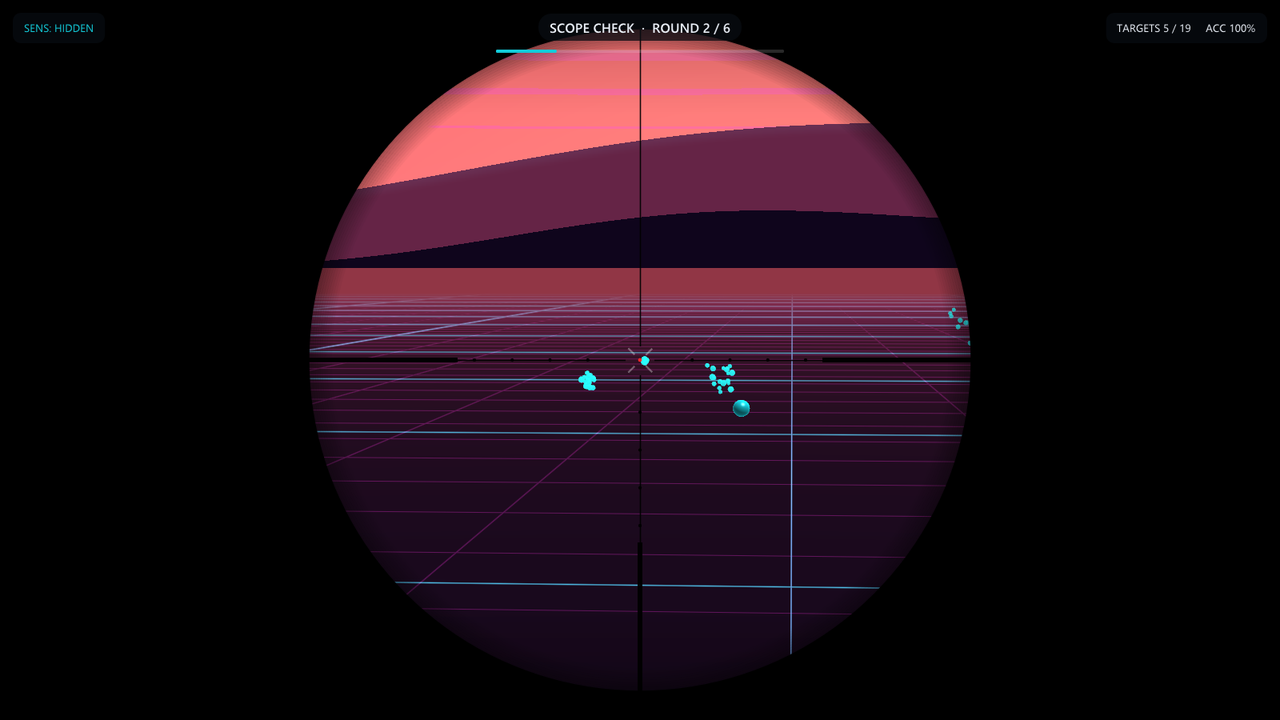
Sniper rounds through a real scope to find your best scoped / ADS speed.
VALORANT, CS2, Apex, Overwatch 2, Fortnite, Call of Duty, Arma Reforger and more, with a calibrator for anything else.
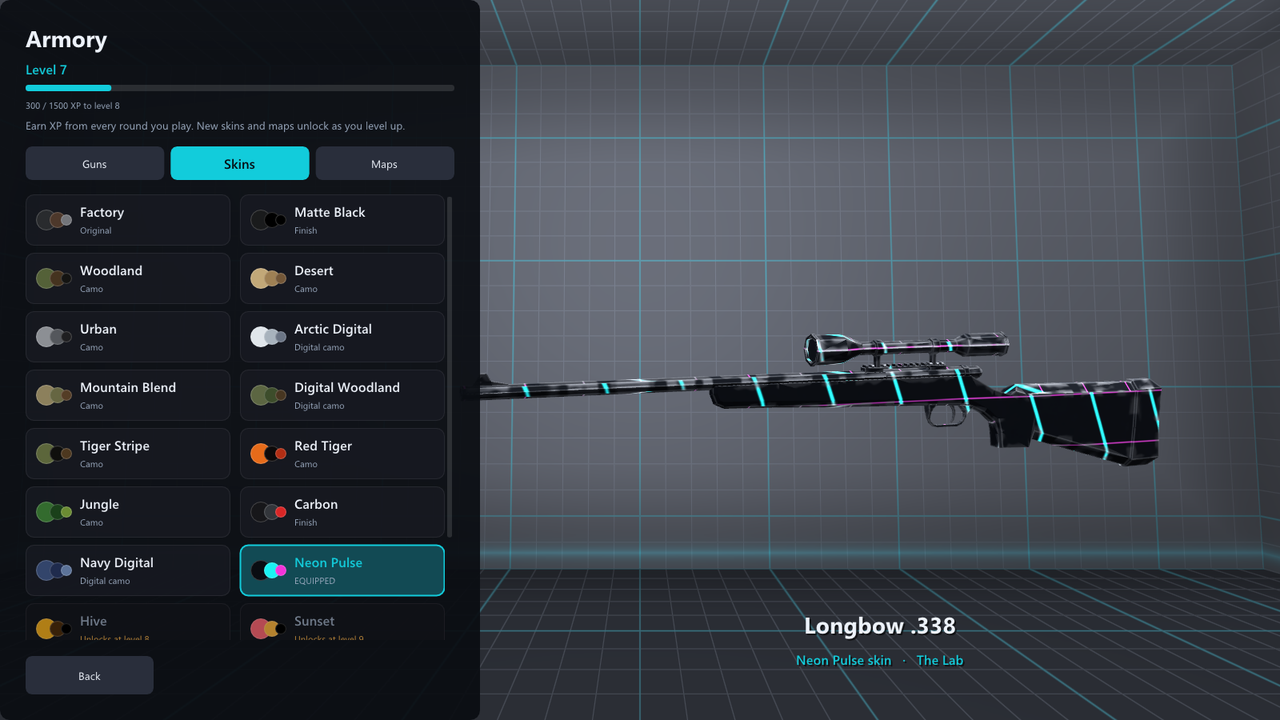
7 guns, 19 skins and 6 maps. Earn XP every round and level up to unlock more.
All your results combined, progress over time, and a result card you can paste straight into Discord.
No account, nothing running in the background, and it keeps itself up to date.
No. SensLab is its own separate app and never touches your games while they run. The only game file it can change is Arma Reforger's settings file, and only when you click "Set in game" with Reforger closed. It backs that file up first.
No. It shows you what you aimed best with. If your current sens is already in your best range, it tells you so.
So you can't be biased by the number. Just aim the way you normally do.
Go to Windows Settings → Apps, find SensLab and click Uninstall. It asks whether to keep your results. (Using the portable version? Just delete SensLab.exe and the %APPDATA%\SensLab folder.)
Brand-new apps without a paid code-signing certificate sometimes get flagged. Only download SensLab from this page.
Send a message and it goes straight to the developer's inbox.
Free, works offline, and the test takes about 7 minutes.
SensLab is free and always will be. If it helped your aim, you can support it on Cash App ($DevCalNaughton).